Being instantly notified on Slack whenever you receive a booking can be a game-changer for professionals juggling a busy schedule. By integrating booking alerts directly into Slack, you can ensure that you're instantly aware of new appointments without constantly monitoring your email or OneHash Cal.
-
Go to App Store and install Zapier app to your account.
-
On Zapier, create a
Zapthat sends you a slack message whenever you get booked.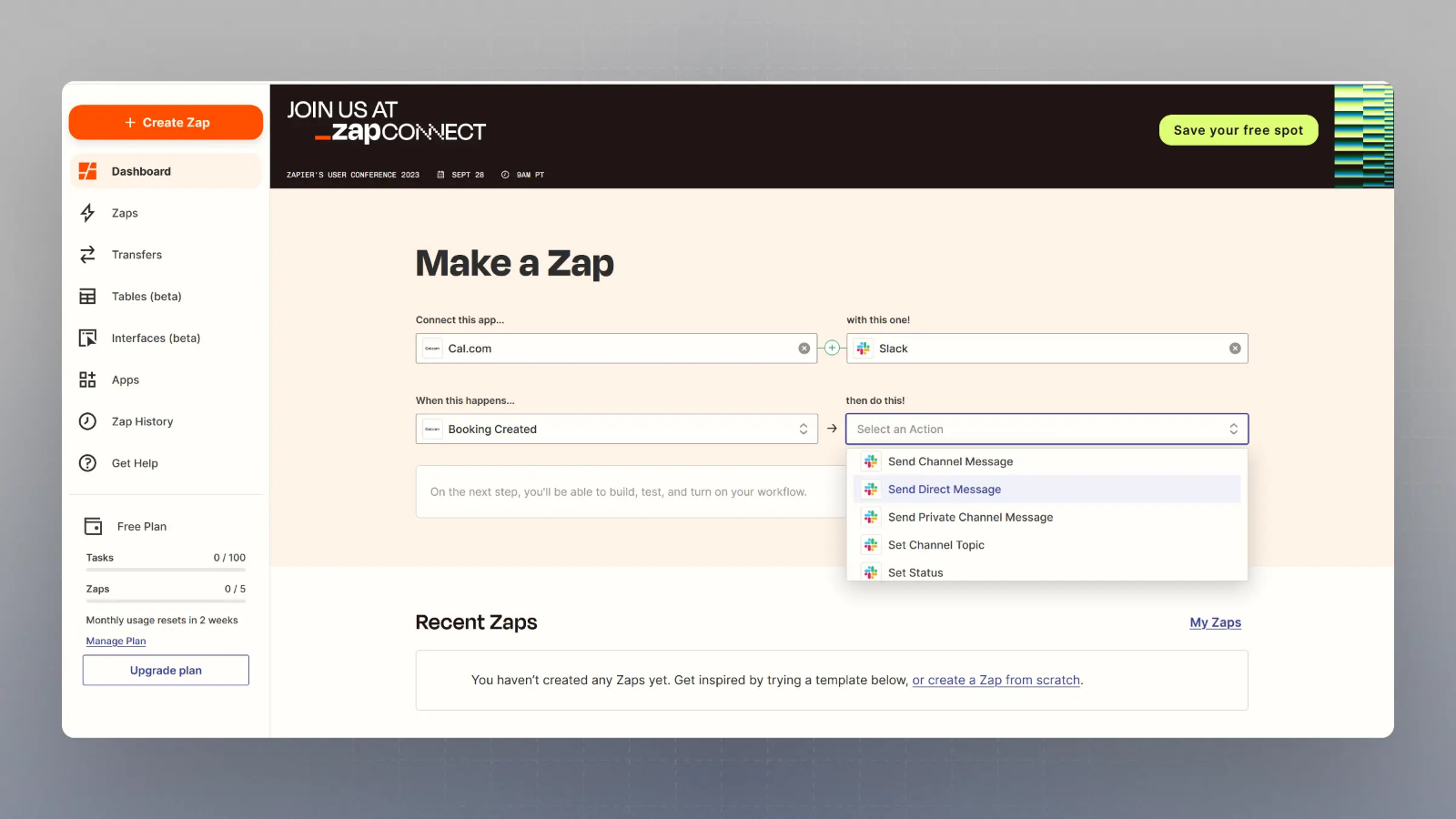
That's it!
You can choose other triggers as well, such as
-
Booking Rescheduled
-
Booking Cancelled
-
Booking Ended