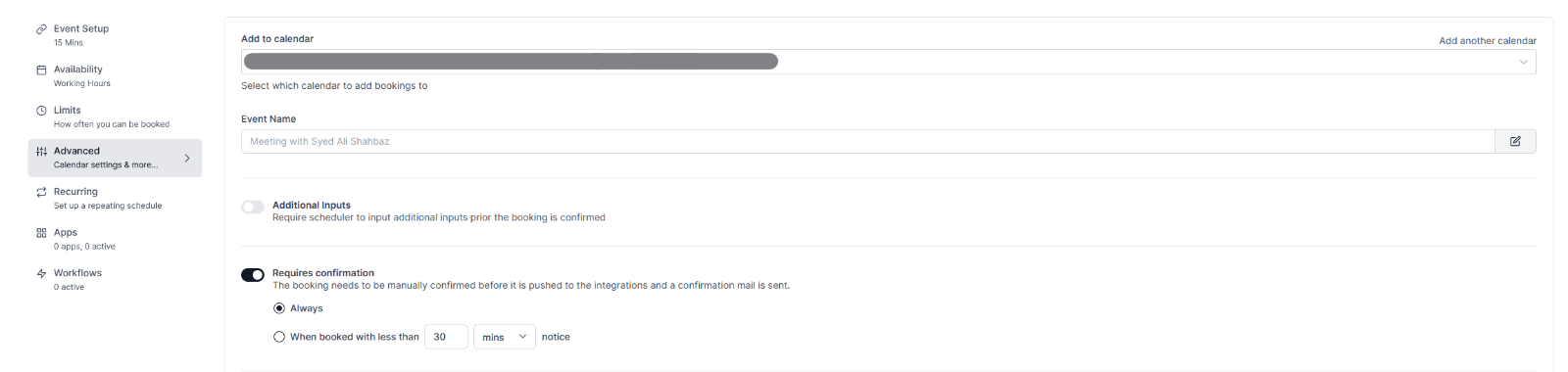
To set requires confirmation configuration, you simply need to:
-
Log in to your OneHash Cal account
-
Open the event-type from the
cal.id/event-typepage and click on -> Advanced tab -
Enable the toggle that reads
Requires Confirmation -
From here, -> Select Always if you want it to be an event-type that requires confirmation at all times -> Select When booked with less than {{num}} {{time}} notice to only make it an opt-in event type when a booking is made within the selected/configured time-frame.